

Returns Management Integrations for ERP, WMS, commerce and carriers
One returns record that posts to the systems you already run, with mapped fields, a test tenant and a go-live plan.
It is Thursday and a credit memo is still sitting in someone’s inbox. The return was graded on Monday. The warehouse has the unit. The customer has emailed twice. Finance cannot post the credit until somebody types the return into the ERP by hand. ReverseLogix is returns management software that connects to your ERP, WMS, commerce platform, helpdesk and carriers through an API-first design. It keeps the returns record. Your systems keep the orders, inventory and ledger. This page shows what connects, what syncs, and what an integration project takes on your side and ours.

Returns teams using ReverseLogix include:








What Breaks When Returns Live Outside Your ERP, WMS and Commerce Systems?
Returns touch the order system, the warehouse, the ledger, the help desk and the carrier. When none of them share a record, people become the integration. They copy, retype and chase.
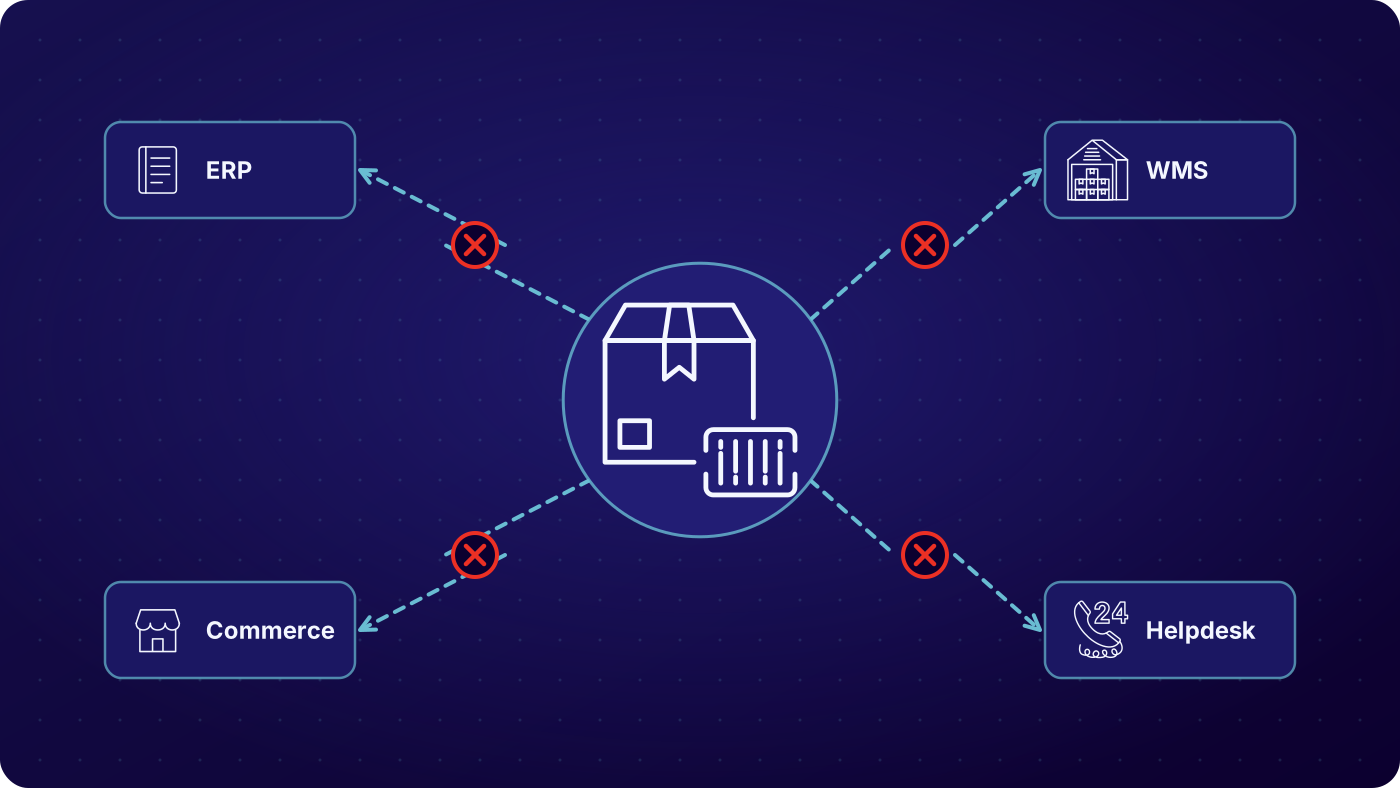

Every hookup becomes its own project
One connection to the ERP, another to the WMS, another to the storefront. Each has its own owner, its own test plan and its own release date. A returns program should not need six separate builds.

Credits are keyed by hand
The return is graded in one place and the credit memo is created in another. Somebody types it in. It is slow, it drifts from the physical result, and finance finds out late.

Products and orders fall out of sync
A file upload is fine on day one. Six weeks later the item master in one system no longer matches the other, and a return fails because the system cannot find the order.

Nobody can see the failure
A message posts twice and the ERP flags a duplicate. Another never arrives. Without a log, support only knows that the order was not found, and IT hears about it from the customer.
How Does a Returns API Integration Work, From Mapped Fields to Go-Live?
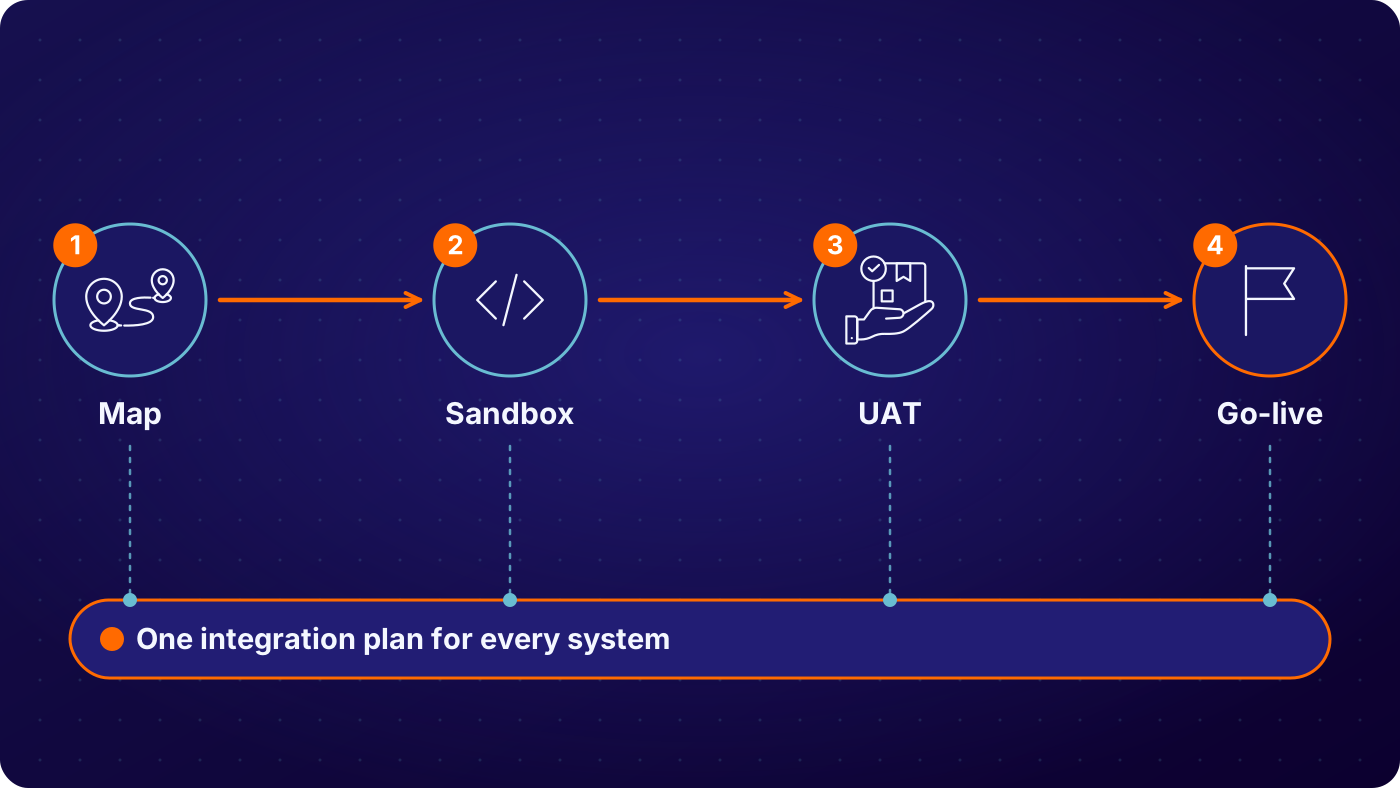
Map the fields
Your team and ours agree which objects and fields move, in which direction and on which event. Return orders, credits, receipts and status updates each get a mapping. Anything your process adds beyond the standard template is scoped here, not discovered later.
See: implementation
Build and test in a sandbox
The connection is built against your vendor sandbox or test tenant. Test orders run through intake, receiving, grading and credit, so both sides can see what posts and what comes back.
Run UAT end to end
Your users run real scenarios from portal to warehouse to ledger. The test tenant should behave like production, so gaps in test data, credentials or endpoints are found and fixed before the date is set.


Go live on a plan
A go-live plan names the release window, the cutover steps, the rollback path and who watches the message log on day one. Peak season and code freezes are planned around, not argued about at the end.
See: security
| Condition at inspection | Typical route | Recorded on the return |
|---|---|---|
| ERP: SAP, Oracle, NetSuite, Microsoft Dynamics 365 | Return order, credit or refund trigger and goods receipt post to the ERP | Return order, credit memo, receipt, item and customer references, timestamp |
| WMS: Blue Yonder, Manhattan, Korber, SAP EWM | Expected return and receiving result exchange with the warehouse | RMA, expected receipt, received quantity, location, grade, timestamp |
| Commerce: Shopify, Magento, BigCommerce, WooCommerce and order management | Orders read in; refunds, exchanges and status write back | Order and line references, return reason, refund or exchange result, status |
| Helpdesk and CRM: Zendesk, Freshdesk, ServiceNow, Salesforce | Return status and history are visible to the agent handling the case | Case reference, RMA number, current status, notes, timestamp |
| Carriers: over 400 in more than 100 countries | Labels, tracking events and delivery scans flow into the return | Carrier, service, label, tracking number, scan events, timestamp |
Example configuration. Objects, fields and events are set per project during mapping.
Which Returns Management Integrations Should You Start With, and Who Owns Them?
Start with the system that holds your credits and orders, usually the ERP or the commerce platform, then add the warehouse. That order removes hand keying first, and it lets the IT lead who owns the ERP scope the work once. Finance cares about the credit posting. Operations cares about the warehouse receipt. Customer service cares about the status an agent can see. Each team is tied to a different connection, so name an owner for each before mapping starts. A small IT team can then spend its time on the pieces that need it.
See: IT team view, implementation
Who touches which connection
- IT: credentials, sandbox access, endpoints, release windows
- Finance: credit memos, refund triggers, reconciliation
- Operations: warehouse receipts, grades, disposition results
- Customer service: return status and history inside the help desk
How Do You See What Synced, What Failed and What Was Retried?
Every message between ReverseLogix and your systems is recorded, so you can see what was sent, what came back and what failed. When a return does not post, the log shows which record, which system and which error. The same screen supports retries and reconciliation against the ERP. Ask any vendor, including us, to show this log during evaluation. An integration you cannot inspect is one that IT ends up debugging by hand.
- A return posted to the ERP twice and was flagged as a duplicate
- A message sent with no acknowledgement back from the target system
- A record rejected because a field was missing or a reference was not found
- A retry that succeeded, and the time it took
- A return in ReverseLogix with no matching credit in the ledger
See: analytics
Your ERP, WMS and Commerce Platform Stay the Systems of Record
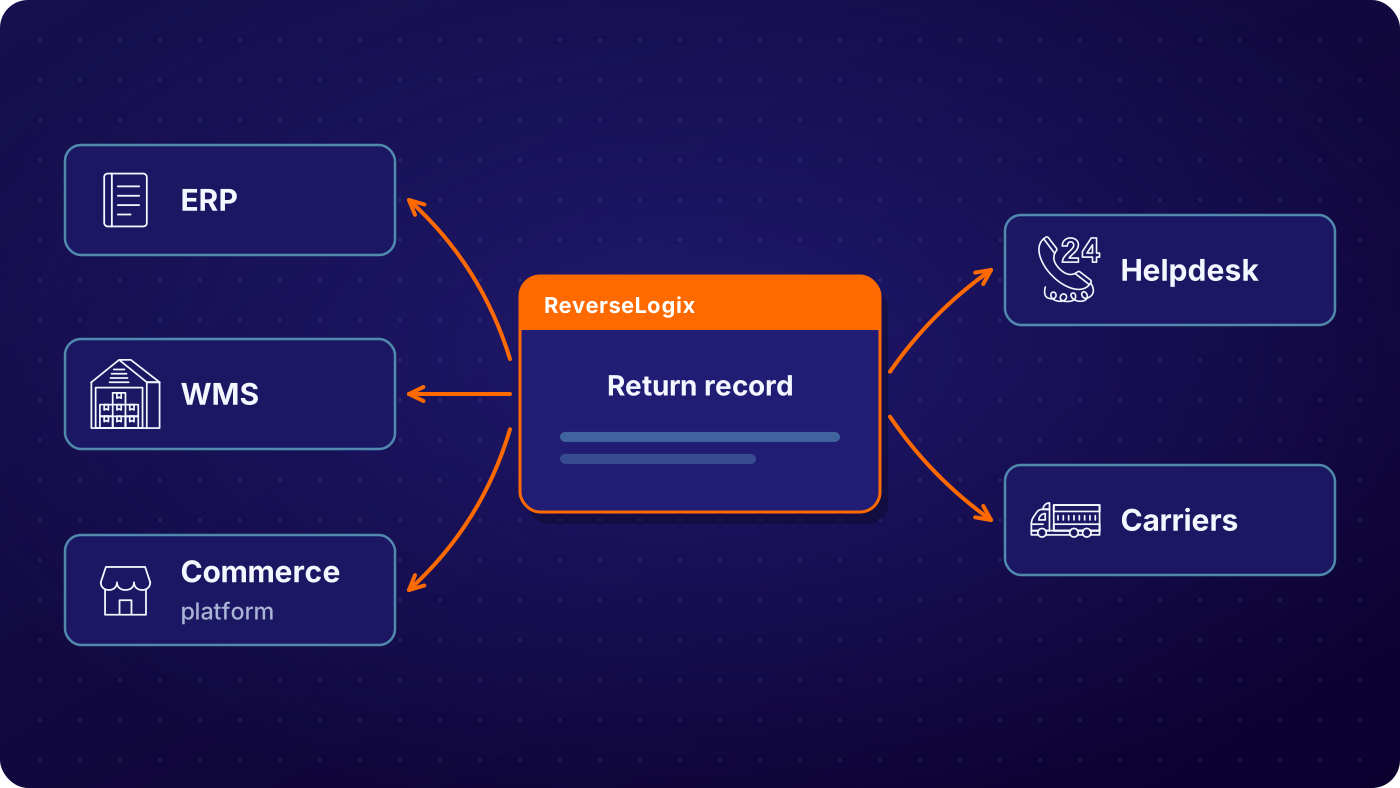
ReverseLogix authors the return and posts the outcome. It does not replace your ERP, warehouse system or storefront. Orders, inventory and the general ledger stay where they are, and the returns record stays linked to them. If you run a mix, or a homegrown system that has an API, the team scopes the mapping the same way. Where a system has no usable API, the project uses the interface it does have and says so up front.
See: platform overview
Credentials, Sandbox, UAT and Release Management
Access is granted by role, and every record carries a full audit history. Connections use credentials your security team issues and can rotate. Ask early for sandbox access, service accounts and any single sign-on requirement, because these are the items that most often hold up testing. Certifications are shared during evaluation.
A standard initiation go-live runs 4 to 6 weeks. Repair and technician flows extend it. The timeline depends on your side too: sandbox access, test data that matches production, IT availability, and the release calendar. Late changes to a mapped field can mean regression testing the whole interface, so freeze the mapping before UAT starts.
See: security, implementation
Your next questions, answered






Returns management integrations: questions and answers
ReverseLogix integrates with SAP, Oracle, NetSuite and Microsoft Dynamics 365, with Salesforce and Shopify, and with Magento, BigCommerce and WooCommerce. It also connects to WMS platforms such as Blue Yonder, Manhattan, Korber and SAP EWM, to helpdesks such as Zendesk, Freshdesk and ServiceNow, and to over 400 carriers in more than 100 countries.
Yes. Integrations are built on APIs, so returns data moves as messages between systems and not as files someone uploads. Your team gets the specification, a sandbox to test against, and a mapping document that names each field. If your system offers an API, the connection is scoped the same way as the standard ones.
A standard initiation go-live takes 4 to 6 weeks. Repair and technician flows extend that. The calendar depends on both sides: sandbox access, test data, credentials, IT availability and your release windows. The mapping is scoped first, so you see the plan and its dependencies before work begins.
Yes, once the trigger is agreed. The standard refund trigger is custody transfer, which is the moment the carrier scans the return. During mapping you choose the event that posts the credit and the objects it touches. Nobody retypes the return, and the ERP receives the same result the warehouse recorded.
Your IT team provides sandbox access, credentials or service accounts, endpoint details for your systems, and a named contact for testing and release. It also signs off on security requirements. ReverseLogix configures and builds the connection, but it cannot run UAT or approve a go-live date without your people.
Yes. Messages between ReverseLogix and your systems are logged, with errors and outcomes visible by record. Your team can see what posted, what failed and what needs a retry, and can reconcile returns against the ERP. Every record also keeps its full audit history, with role-based access to who can view it.
No. Your ERP, WMS and commerce platform stay the systems of record. ReverseLogix keeps the returns record, including intake, inspection, grading, repair and disposition, and posts the results to your systems. That way finance, operations and customer service keep working in tools they already know, with the returns detail linked in.
Plan the returns integration around the new system where you can, and say so at the start. The mapping is scoped to the target you name, and the standard front end stays the same while the back end changes. Returns created in the old system may need a manual path until the new one is live.
Further reading: Reverse Logistics Association.
Walk Through Your Systems With a Returns Specialist
Bring your ERP, WMS and storefront. A specialist maps which returns events post where, and what your IT team would need to provide.


