

WooCommerce Returns Management Integration for stores that have outgrown plugins
Order lookup, returns, exchanges and refunds tied to your WooCommerce stores, with wholesale, warranty and repair on the same record.
WooCommerce returns management is the process of taking a return from request to refund for orders placed on a WooCommerce store. WooCommerce can refund an order, but it has no built-in way for a customer to request a return, so most stores add a plugin, a form and a shared inbox. ReverseLogix connects to WooCommerce so that order lookup, return, exchange and refund run from one returns record and post back to the store. The same record carries wholesale returns, warranty claims and repairs, so it keeps working when the business grows past a single storefront.

Returns teams using ReverseLogix include:


What Breaks When WooCommerce Returns Management Runs on Plugins and Email?
WooCommerce holds the order and issues the refund. Everything between the customer asking and the money going back sits in plugins, forms and inboxes. That works at fifty returns a month. It stops working at five thousand.
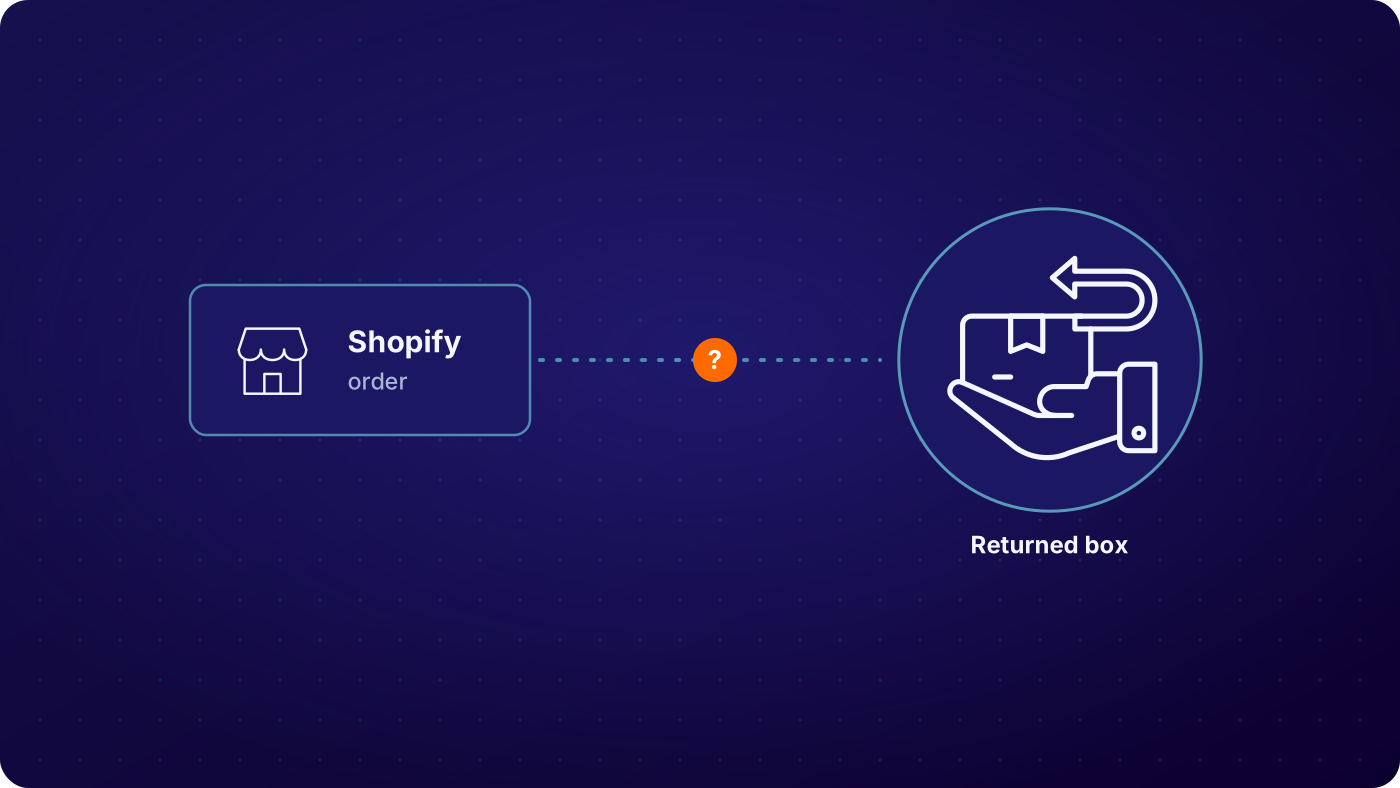

Every refund is a manual click
Someone opens each order in the WordPress admin, checks the warehouse has the item and issues the refund. On a busy Monday that list is hundreds long, and customers are already asking.

The return request has no home
The request arrives by form or email, the label comes from a carrier site and the status lives in a spreadsheet. The agent answering the customer has to check all three.

Plugins do not talk to the warehouse or the ERP
A returns plugin can approve a request. It does not grade the item, update stock in the warehouse system or post a credit to finance. Those steps are re-keyed.

Wholesale, warranty and repair sit outside the store
A trade customer returns a carton. A buyer claims under warranty and the unit needs repair. Neither started as a simple WooCommerce refund, so both run on the side.
How Does the WooCommerce Returns Management Integration Keep Orders, Returns and Refunds in Sync?

Order lookup reads from WooCommerce
The customer enters an order number and email in the returns portal, or an agent searches from the back office. ReverseLogix reads the order, line items, purchase date and store from WooCommerce and applies your return window and item rules before anything is offered.
See: returns initiation
Return or exchange is created
The customer picks items and a reason, and chooses a refund or an exchange. The system issues the label, creates the RMA and shows the same status to the customer and the agent. For an exchange, it can create the replacement order in WooCommerce or ship an advance exchange first.
Receipt and inspection set the trigger
The refund is tied to the moment of custody transfer, which your program defines. That can be a carrier scan or warehouse receipt, with inspection and grading first where the item needs it. The event and the grade are written to the return.
See: returns processing

Refund posts to WooCommerce
When the trigger fires, the refund is posted against the original order in WooCommerce for the amount your rules allow. No one re-keys it. If WooCommerce rejects the post, the failure shows in the message log and is retried, so it does not sit unseen.
See: analytics
| Condition at inspection | Typical route | Recorded on the return |
|---|---|---|
| Customer looks up an order | Order, line items and eligibility read from WooCommerce | Store, order number, line items, purchase date, eligibility result |
| Return approved | RMA created, label issued, status shown to customer and agent | RMA, reason, label, carrier, timestamp |
| Exchange requested | Replacement order created in WooCommerce, or advance exchange shipped | Original order, replacement SKU, price difference, timestamp |
| Custody transfer reached | Refund posted to the original WooCommerce order | Refund amount, line items, order reference, trigger event, timestamp |
| Warranty, repair or wholesale return | Handled in ReverseLogix with the WooCommerce order as reference | Entitlement, fault, repair or disposition, credit, serial, timestamp |
Example configuration. Programs set their own triggers, fields and rules; the field mapping is agreed during the project.
Who Touches the WooCommerce Connection, and What Does Each Team See?
Five teams touch WooCommerce returns management. Customer service looks up the order, sees the return and overrides a rule when a good customer needs one. Ecommerce owns the store and the portal branding. Warehouse teams receive and grade. Finance checks that refunds match what came back. IT owns credentials, mapping and release timing. Each role sees its own view of one record, with permissions set by role, so a new agent in peak season cannot do what a supervisor can.
One record, every team
- Customer service: order lookup, return status, label and reason on one screen
- Ecommerce: branded customer portal and store rules
- Warehouse: receipt, inspection and grade tied to the RMA
- Finance: refunds and credits matched to what was received
- IT: credentials, field mapping, sandbox and release control
How Do You Know Every Refund Posted to WooCommerce?
With WooCommerce returns management on one record, every message between ReverseLogix and WooCommerce is logged, and failures are visible instead of silent. Your team can see what was sent, what came back, what was retried and what still needs a person. That matters because a refund that fails quietly looks like a customer complaint three days later. The log also lets finance reconcile refunds in WooCommerce against returns received.
- Order lookups that returned no match
- Refund posts that WooCommerce rejected, with the reason
- Retries, with attempt count and last attempt time
- Refund amounts in ReverseLogix that differ from the amount in WooCommerce
- Returns received with no refund posted yet
WooCommerce Stays the System of Record for Orders and Payments

ReverseLogix does not replace your store. WooCommerce keeps the orders, customers and payments. ReverseLogix keeps the return, the repair and the warranty claim, and posts the outcome back. Because it also connects to SAP, Oracle, NetSuite, Dynamics 365, Salesforce, your WMS and your helpdesk, a wholesale return or a warranty repair does not stop at the storefront. WooCommerce stores connect alongside Shopify, Magento and BigCommerce if you run more than one platform.
What Does the WooCommerce Returns Management Integration Project Take?
A WooCommerce returns management project takes access, mapping, testing and a plan. Your WordPress administrator approves the connection and its permissions. Your team and ours agree which order, refund and inventory fields map to which return fields, for each store. We build and test against a staging environment first, then run user acceptance testing with your service and finance teams before anything touches live orders. Credentials stay with your team, and access is limited to what the connection needs.
Release management is part of the plan, not an afterthought. Go-live dates are set around your peak season and any store change freeze. The standard go-live for initiation is 4 to 6 weeks, and repair and technician flows extend it. Certifications are shared during evaluation.
See: implementation, security
Your next questions, answered





WooCommerce returns management integration: questions and answers
WooCommerce returns management is how a business handles returns for orders placed on a WooCommerce store: the request, the label, receipt and inspection, and the refund or exchange. With ReverseLogix connected, the order is read from WooCommerce, the return is run and graded in one system, and the refund or replacement posts back to the store.
WooCommerce lets a store manager refund an order from the admin, but it has no built-in flow for a customer to request a return, get a label or track status. Stores add plugins for that. ReverseLogix replaces the patchwork with one returns record and adds inspection, grading, disposition and reporting.
Yes. ReverseLogix can connect more than one WooCommerce store to the same returns record, including stores for different brands or regions. Each keeps its own rules, branding and mapping where you need them, while reporting stays in one place. Store count and setup are scoped with you during the project.
The refund posts to the original WooCommerce order when your chosen trigger fires. Refund trigger at custody transfer is standard, such as a carrier scan or warehouse receipt. Where you want inspection first, the refund waits for the grade. Failed posts show in the message log and are retried, so nobody refunds by hand.
Yes. The customer picks an exchange in the returns portal, and ReverseLogix creates the replacement order in WooCommerce or ships an advance exchange before the original comes back. Price differences and out-of-stock swaps follow rules you set. The original order, the replacement and the return stay linked on one record.
Standard go-live for initiation is 4 to 6 weeks, and repair and technician flows extend it. We need WordPress administrator approval for the connection, agreed field mapping, a staging environment, time for user acceptance testing, and a go-live plan around your peak season. Your team owns credentials.
Yes. We build against a staging environment first, then run user acceptance testing with your service and finance teams. You see order lookups, returns and refund posts working end to end before go-live. Test results and open defects are reviewed together, and the go-live plan is agreed after that.
Yes. A wholesale return, a warranty claim and a repair share the same record as a consumer return, with the WooCommerce order as a reference where one exists. Each follows its own rules, and credits or refunds post where you configure them. Agents see the whole history without switching systems. That is the difference between WooCommerce returns management in a plugin and in a returns platform.
The failure is logged with its reason, the post is retried, and anything still failing is flagged for a person. Your team sees returns that were received with no refund posted, so nothing waits for a customer to complain. Finance can reconcile refunds in WooCommerce against returns received.
Further reading: WooCommerce refunds documentation.
See a WooCommerce Return Go From Portal to Posted Refund
A specialist walks through WooCommerce returns management for your stores, your refund trigger and your exchange rules, and shows what would sync and when, before any demonstration.


