

Peak Season Returns handled without adding a second shift
Take the January surge through the same rules, the same stations and the same refund clock as any other week.
Peak season returns are the wave of product returns that follows holiday selling, usually running from late November into February. Volume can double in a few weeks. The cage fills, temporary staff grade by guesswork, refunds slip and resellable stock misses the window when it could still be sold at full price.
ReverseLogix handles peak season returns by putting the decision on the screen. Rules approve the return, route it to the right site and tell a first-week associate exactly how to inspect and where to send each unit. The work scales with scans, not with the number of experienced people you have.
Returns teams using ReverseLogix include:




Why Do Peak Season Returns Overwhelm a Returns Operation?
Peak season returns overwhelm an operation because the process depends on experienced people making judgment calls, and peak is when you have the fewest of them per parcel.
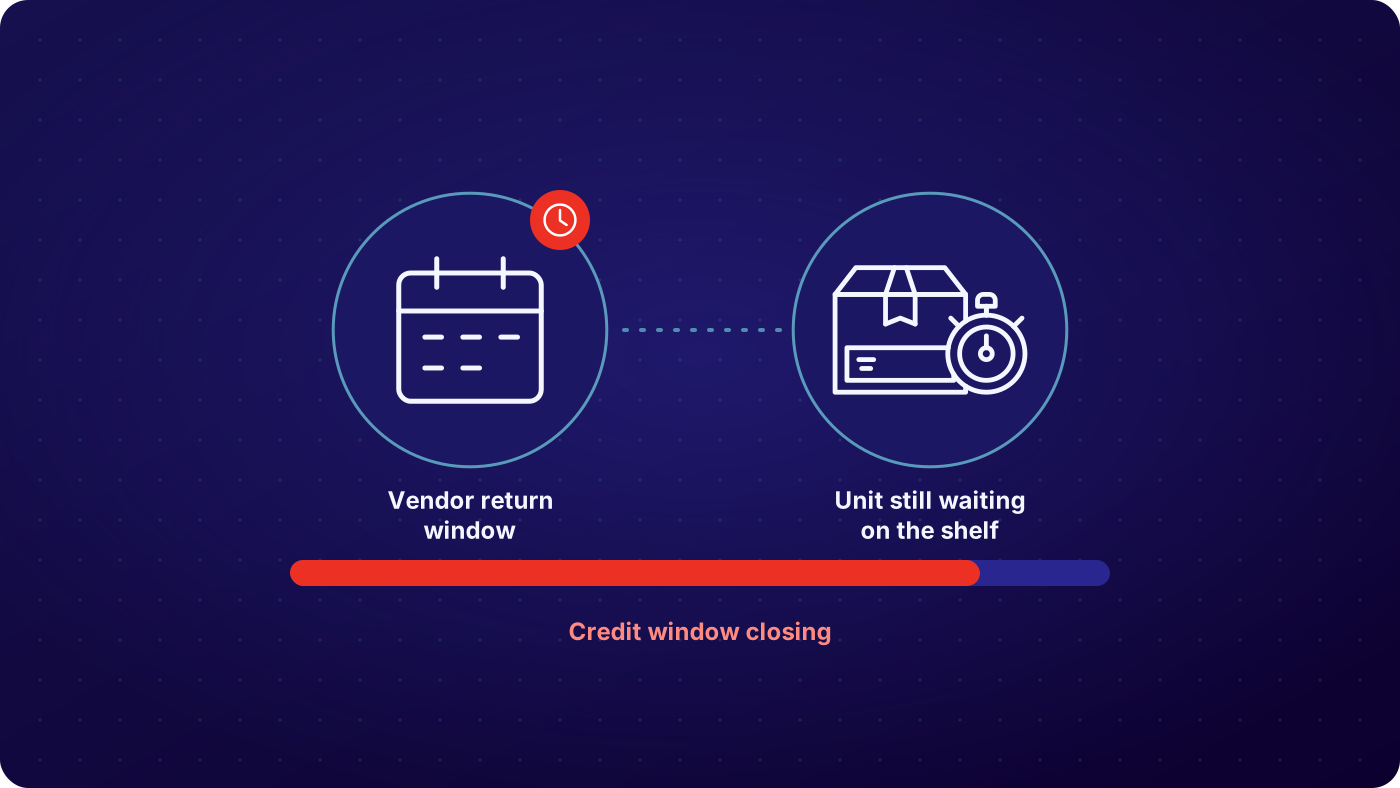

Volume arrives all at once
Gifts come back in the first weeks of January, on top of normal returns. A dock sized for an average week has nowhere to put the overflow, and unprocessed stock cannot be sold.

Temporary staff do not know your rules
Seasonal hires are trained in a day. Without inspection steps in front of them they ask a supervisor, guess, or put everything in the same tote. Grading quality drops just when it matters most.

Refunds fall behind
Each day a return waits is a day the customer waits for money. Contacts to customer service climb, and a good holiday sale ends as a bad experience.

Seasonal stock loses value by the week
A winter coat returned on 5 January is worth full price if it is back on sale that week and far less by March. Slow processing turns sellable stock into markdowns.
How Does ReverseLogix Handle Peak Season Returns?
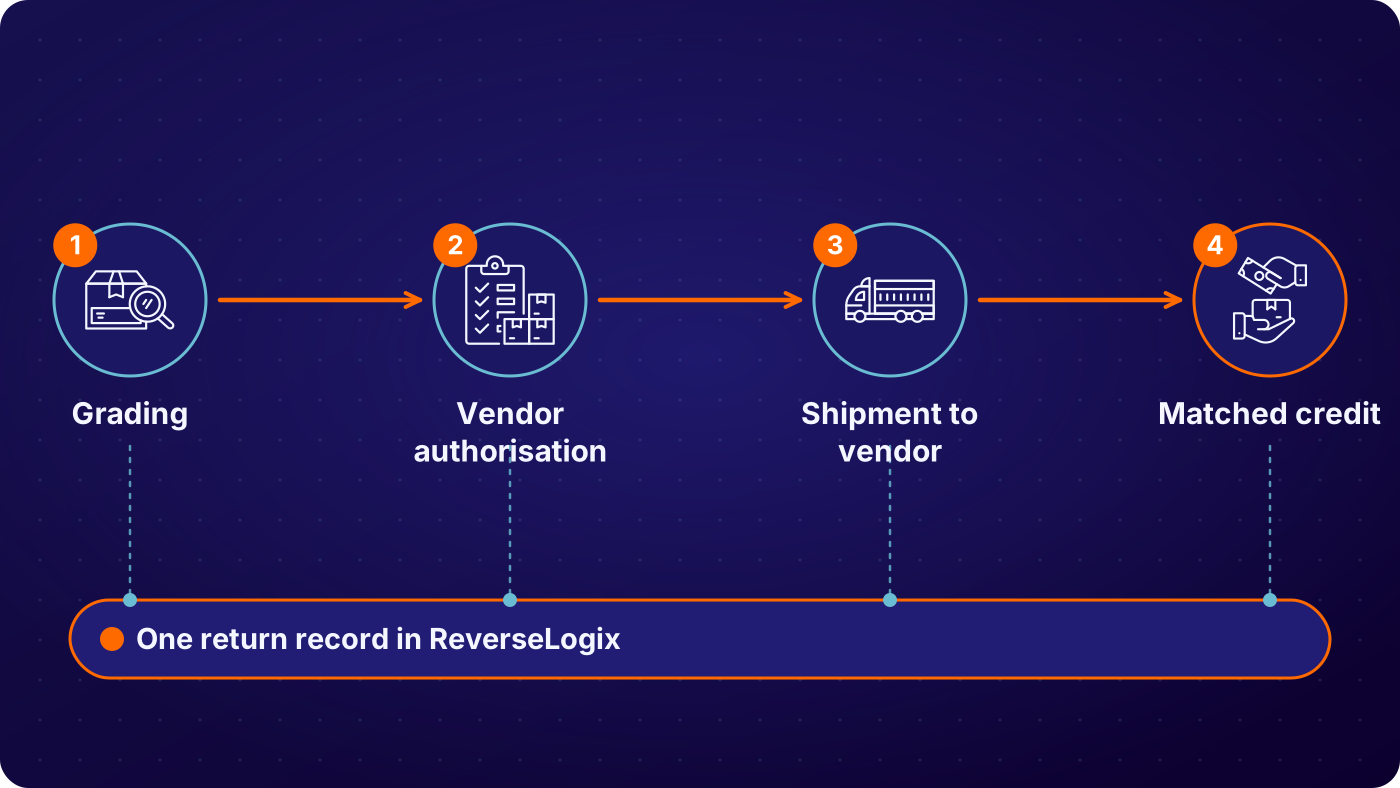
Decide at the request, before anything ships
The return starts in your branded portal. Policy rules, including an extended holiday window, are applied automatically. Exchanges are offered first, and the return is routed to the site with capacity, so volume is spread before it reaches a dock.
See: returns initiation
Know what is coming
Every approved return is visible before it arrives, by day, site and product. Operations can plan labor and space against real inbound numbers and not last year’s guess.
See: analytics
Guide every associate through inspection
The associate scans the parcel and the screen shows the steps for that product. The answers set the grade and the grade sets the route. A seasonal hire on day two produces the same result as a ten-year veteran.
See: returns processing, Vision AI


Release the refund and restock the same day
The refund is released by the trigger you set, such as the carrier scan or the completed grade. Resellable units go straight back to stock or to a resale channel while the season is still live.
See: recommerce
| Situation in peak | What the system does | Recorded on the return |
|---|---|---|
| Gift returned inside the extended holiday window | Approved by the holiday policy rule, label issued | Purchase date, policy rule, request date, label |
| One site is at capacity | New returns routed to another site or 3PL by rule | Origin, routed site, rule applied, timestamp |
| Seasonal item in new condition | Fast-tracked back to sellable stock | Grade, location, time from dock to stock |
| Opened or used item | Graded, then resale channel or repair | Grade, photos, route, associate, timestamp |
| Suspect return, wrong or missing item | Held for review before any refund | Expected item, received item, photos, decision |
Example configuration. Each program sets its own holiday policy, thresholds and routes.
Who Works Peak Season Returns, and What Does Each Team See?
Four teams carry the peak. Operations sees inbound volume and where units are waiting. Customer service sees the status of any return without calling the warehouse. Finance sees refunds released and stock value recovered. Ecommerce sees which products are coming back and why. All of them read the same record, so nobody spends January reconciling.
See: operations, finance
One record, every team
- Operations: inbound by day and site, queues and units per hour
- Customer service: return and refund status on one screen
- Finance: refunds released and value returned to stock
- Ecommerce: return reasons by product, during the season
What Can You See and Measure During Peak?
You can see what is on its way, what is waiting and how fast it is moving. ReverseLogix reports from the scans and grades your team records. It does not add dock doors or people. It makes each person faster and shows you where the queue is building, so you can move labor before it becomes a backlog.
- Approved returns not yet received, by expected day and site
- Units waiting for inspection, with age
- Time from dock scan to stock and to refund
- Units processed per hour, by station and shift
- Return reasons by product, to act on before the next peak
Your ERP and Warehouse System Stay the Systems of Record
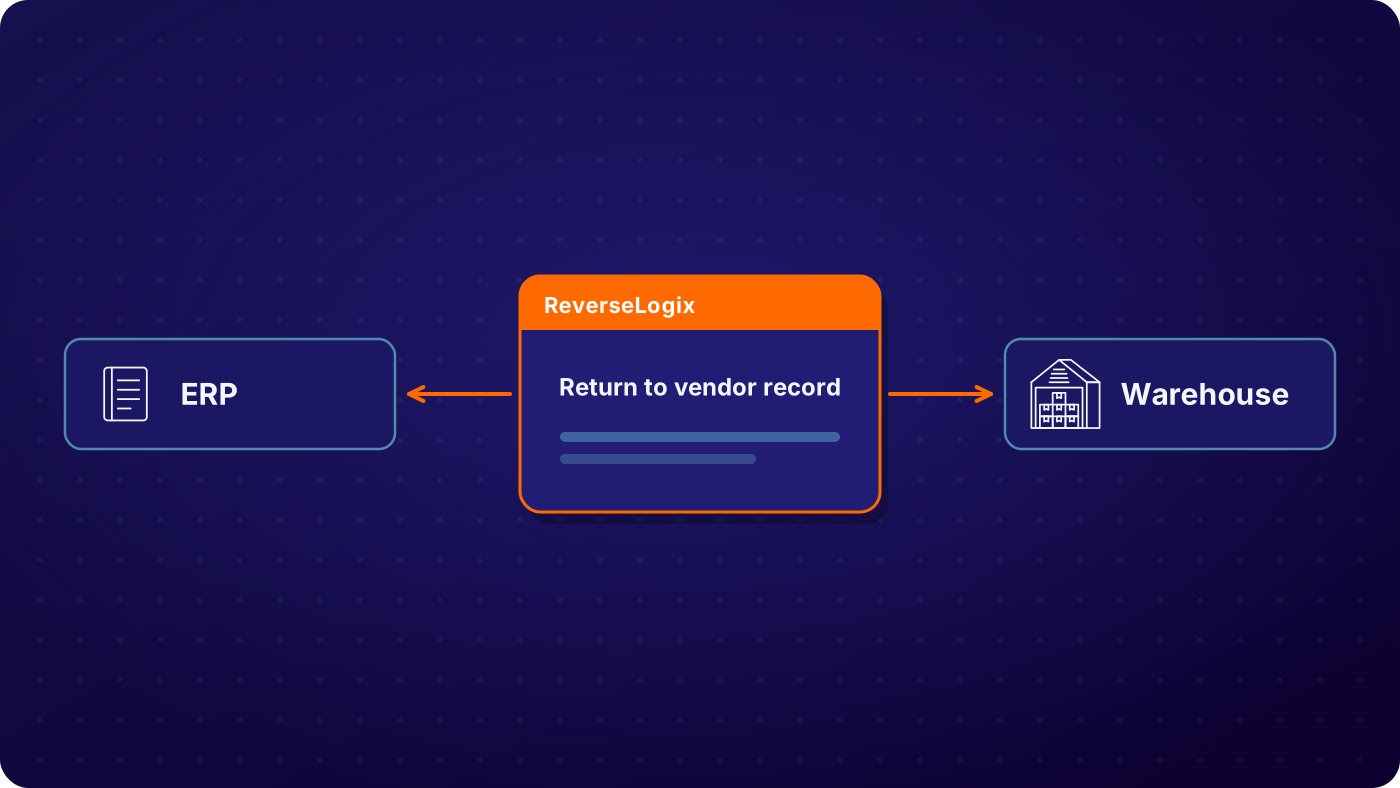
ReverseLogix runs the returns workflow and posts to your systems of record. Your storefront keeps the order, your WMS keeps stock locations and your ERP keeps the credit. ReverseLogix integrates with Shopify, Magento and WooCommerce, with SAP, Oracle, NetSuite and Microsoft Dynamics 365, and with warehouse platforms such as Blue Yonder, Manhattan, Korber and SAP EWM. Go-live dates are planned around your peak and any change freeze, so nothing new is switched on in the middle of the surge.
See: integrations, implementation
Fraud Checks, Access and Controls When Volume Spikes
Peak is when return fraud hides in the crowd. Every return carries its history: what was expected, what arrived, who graded it and what was refunded. Wrong-item and empty-box cases are held before the refund, not found in February.
Role-based access keeps seasonal staff to the steps they need. A temporary associate can inspect and grade. Only a supervisor can override a rule or release an exception, and every override is written to the audit history. ReverseLogix certifications are shared during evaluation.
See: platform security
Your next questions, answered




Frequently asked questions
Peak season returns are the surge of product returns after holiday selling, running from late November into February and heaviest in early January. Volume can be a multiple of a normal week. The challenge is processing it fast enough that customers are refunded on time and seasonal stock is resold before it loses value.
It starts with the first returns after Black Friday and Cyber Monday, builds through December and peaks in the first weeks of January when gifts come back. Extended holiday return windows push the tail into February. Plan labor and space for the whole period, not just the week after Christmas.
Set the holiday return policy as rules before the season, so approvals do not need a person. Put inspection steps on screen so seasonal staff can grade correctly. Route returns across sites by capacity. Watch approved-but-not-received volume daily to plan labor. Decide in advance which grades go straight back to stock.
Decisions that normally need an experienced person are made by rules: approval, routing, grade and disposition. That lets each associate process more units and lets temporary staff contribute from the first shift. Returns can also be routed to another site or a 3PL when one location fills.
Yes. An extended holiday window is a policy rule with its own dates. It applies automatically to orders placed in the period you choose, and it ends on its own. Rules can differ by channel, region and product line.
As fast as your trigger allows. Refund at custody transfer is standard, for example at the carrier scan or the dock scan. Where a product needs checking first, the refund is released when the grade is recorded. In both cases the system releases it, so refunds do not wait on a backlog of manual approvals.
Yes. The system compares what was expected with what arrived and holds mismatches for review before a refund. Photos and the grade are on the record. See return fraud prevention for how the checks work.
Standard go-live for returns initiation is 4 to 6 weeks, so the answer depends on today’s date and your scope. Processing rules and integrations add time. If the season is too close, the usual plan is to go live on initiation first and add processing after peak. A specialist will give you a dated plan.
Further reading: Reverse Logistics Association.
See How Your Operation Would Run Through Peak
A specialist walks through your peak season returns flow, from the first request to restock, and shows where volume backs up, before any demonstration.


