

RMA Software for return authorizations, approvals and tracking in one record
Authorize every return against the order, the warranty and the rule, and know where it is until it closes.
RMA software creates, approves and tracks return merchandise authorizations, the approval a company gives before a product comes back. A dealer emails a list of twelve part numbers. A customer calls about a unit bought nineteen months ago. Someone opens a spreadsheet to find the next free RMA number, and nobody checks the warranty date.
ReverseLogix is RMA software that checks each request against the original order, the return window and the warranty, then issues the RMA number, the label and the instructions. The same record follows the unit through receiving, inspection, repair or credit. Your ERP stays the system of record for orders, inventory and credit memos.
Returns teams using ReverseLogix include:








Why Do RMAs Still Run on Email and Spreadsheets?
RMAs run on email because the approval sits between teams. Customer service takes the request, the warehouse receives the box, and finance issues the credit. A shared sheet joins them, and every handoff is a place to lose the return.
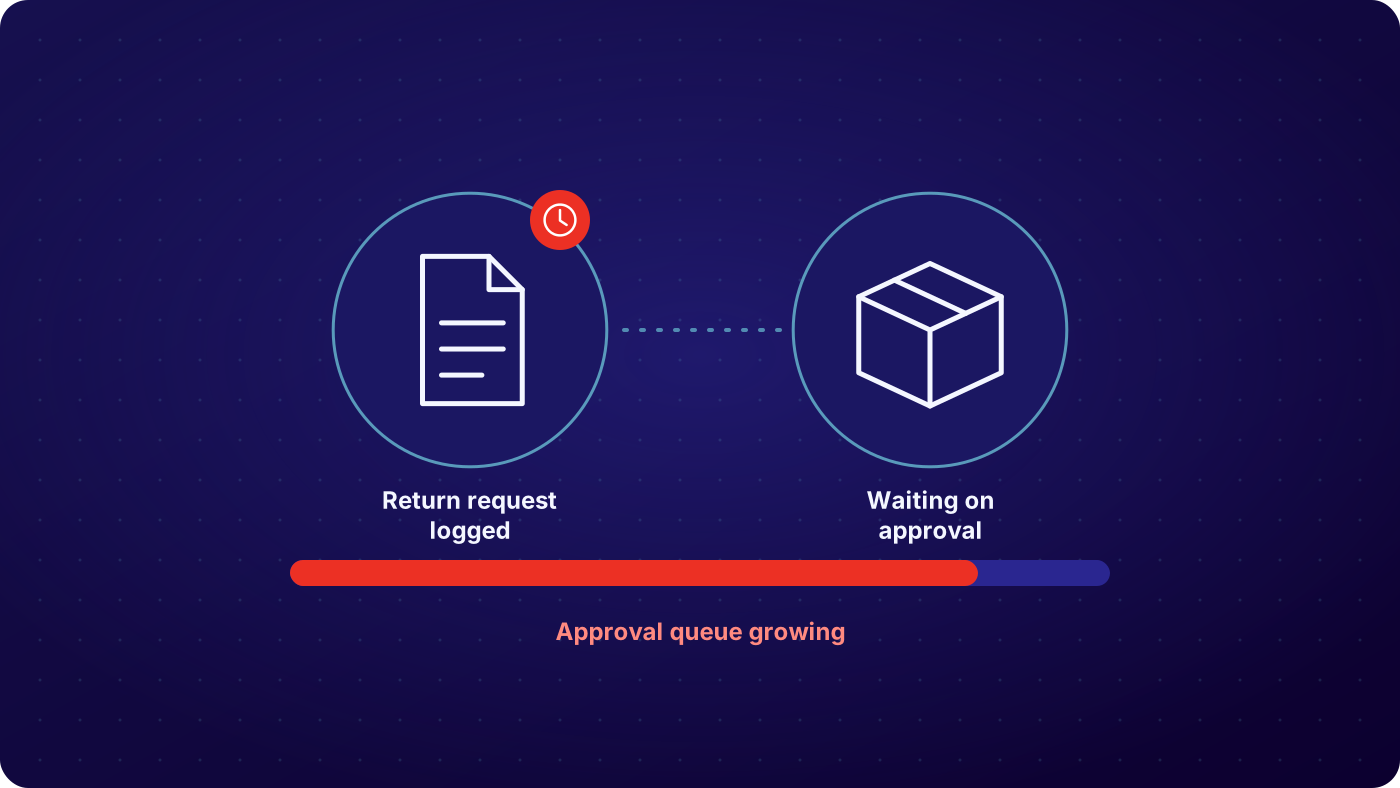

Requests arrive in five different ways
Email, phone, a web form, a dealer portal and a note from a sales rep. Each one is retyped into the RMA log, and each retype is a chance for a wrong quantity or serial number.

Nobody checks eligibility before approving
The return window, the warranty date and the contract terms live in other systems. Agents approve to keep the customer moving, and the ineligible returns are found after the box has arrived.

The warehouse receives boxes it was not expecting
A carton arrives with no RMA on it, or with an RMA nobody on the dock can look up. It waits on a shelf while someone works out what it is and who approved it.

Credits wait on a manual match
Finance will not issue the credit until someone confirms what came back and in what condition. That confirmation travels by email, so the customer waits and the RMA stays open for weeks.
How Does RMA Software Work, From Request to Closed RMA?

Take the request and check it
A request comes in through the returns portal, a dealer upload or an agent entering it for the customer. RMA software checks it against the original order, the return window, the warranty entitlement and the rules you set for that product and customer. Eligible requests are approved on the spot. Exceptions go to a named approver with the reason attached.
See: returns initiation, warranty management
Issue the RMA, the label and the instructions
The RMA number is created on the return record with the items, quantities, serial numbers and reason codes. The customer or dealer gets the label and packing instructions for that product and route. The warehouse can see the RMA before the box ships, so it knows what is coming and what to do with it.
See: carrier integrations
Receive against the RMA
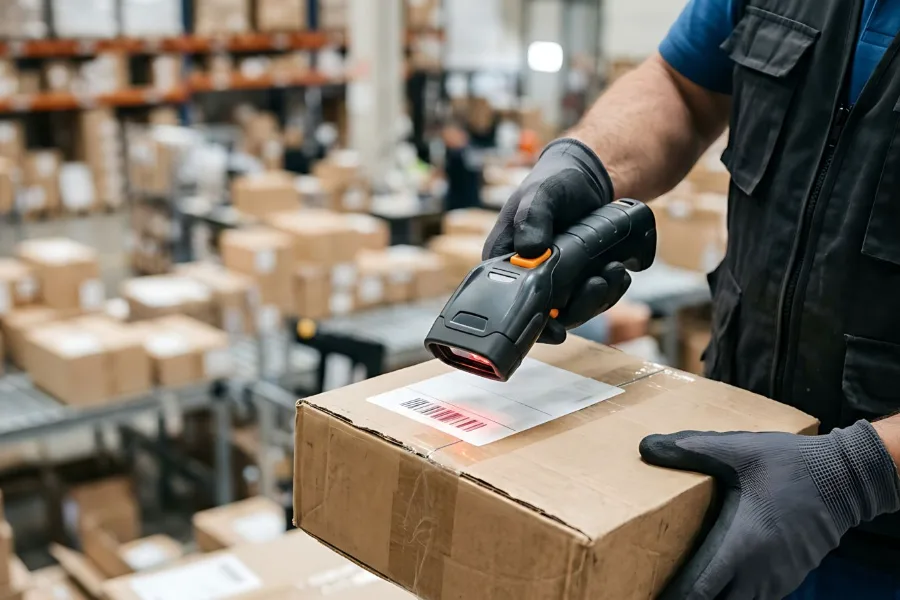
The dock scans the RMA and the system shows what was authorized. Received quantity, condition and photos are recorded against each line. A box with no RMA is matched to the customer or logged as a blind receipt, so it does not sit unidentified.
See: returns processing

Close the RMA with the credit, replacement or repair
The outcome on the RMA is set by what was received and graded: a credit memo, a refund, a replacement order or a repair. It posts to your ERP, and the RMA closes with the full history on it. Open RMAs, aged RMAs and RMAs received but not credited are all visible.
See: analytics
| RMA request | Typical route | Recorded on the RMA |
|---|---|---|
| In window, standard product, reason accepted | Approved automatically, RMA and label issued | Order reference, items, quantity, reason code, RMA number, timestamp |
| Outside the return window | Routed to an approver or declined with the reason | Window result, approver, decision, note to the customer, timestamp |
| Serial number under warranty | Warranty RMA issued, routed to repair or replacement | Serial, entitlement, fault reason, route, timestamp |
| Bulk request from a dealer or distributor | One RMA with many lines, approved by line | Account, lines, quantities, contract terms, approvals by line, timestamp |
| Box arrives with no RMA | Blind receipt logged and matched to an order or account | Photos, contents, match result, new RMA number, timestamp |
Example configuration. Programs set their own rules, approvers and routes.
Who Uses RMA Software, and What Does Each Team See?
Four teams touch an RMA, and each needs a different view of the same record. Customer service sees the request, the eligibility check and the status. The warehouse sees what is authorized and what has arrived. Finance sees which RMAs are received and ready to credit. Dealers and customers see their own RMAs without calling. Nobody keeps a separate log, and each return keeps one history.
See: customer service, operations
One RMA record, every team
- Customer service: request, eligibility result and live status
- Warehouse: authorized items, expected arrivals and receipts
- Finance: RMAs received, graded and ready to credit
- Dealers and customers: their own RMAs, labels and status
What Can You See and Measure With RMA Management Software?
You can see every open RMA, how old it is and where it is stuck. That is the report most teams build by hand from the RMA log each month. ReverseLogix keeps it live from the return record, so the count customer service quotes is the count the warehouse sees. It reports what the record holds. It does not decide your return policy for you.
- RMAs issued but not yet shipped back
- RMAs in transit and expected at the dock
- RMAs received but not yet inspected or credited
- RMAs approved as exceptions, by approver and reason
- RMA cycle time from request to close, by product and channel
Your ERP Stays the System of Record

ReverseLogix runs the RMA workflow and posts to your systems of record. Your ERP keeps orders, customers, inventory and credit memos. ReverseLogix integrates with SAP, Oracle, NetSuite and Microsoft Dynamics 365, with Salesforce and Shopify, and with warehouse platforms such as Blue Yonder, Manhattan, Korber and SAP EWM, through an API-first design. The project takes mapped fields, a sandbox, user acceptance testing and a go-live plan, which the ReverseLogix team scopes with you.
See: integrations, implementation
Audit Trail, Access and Controls on Every RMA
Every RMA carries a full history: who requested it, which rule approved it or who overrode the rule, what was received, how it was graded and which credit closed it. That history is what an auditor or a customer dispute asks for, and it is on the record without anyone rebuilding it from email.
Role-based access decides who can approve an exception, change a rule or close an RMA. Every change is written to the audit history. ReverseLogix certifications are shared during evaluation. Your finance team owns the accounting treatment of credits, and the system records the steps they set.
See: platform security
Your next questions, answered



RMA software: questions and answers
RMA software is a system that creates, approves and tracks return merchandise authorizations. It checks each return request against the order, the return window and the warranty, issues the RMA number and label, and follows the return through receiving, inspection and credit. It replaces the shared spreadsheet and email chain most teams use to manage RMAs.
RMA stands for return merchandise authorization, sometimes written return material authorization. It is both the approval to send a product back and the reference number that follows the return until it is closed.
An ERP records the return order and the credit memo. It was not built to check eligibility, take requests from a portal, guide inspection or route a unit to repair or resale. RMA software runs those steps and posts the financial and inventory results back to the ERP, which stays the system of record.
Yes. A dealer or distributor can raise one RMA with many lines by upload or through the portal. Each line is checked against the account terms and approved or declined separately, and the warehouse receives against the same RMA line by line.
It is logged as a blind receipt with photos and contents, then matched to an order or account. Once matched, an RMA is created so the unit follows the normal inspection and credit steps. Nothing waits unidentified on a shelf.
Yes. The request is checked against the serial number, purchase date and warranty terms before the RMA is issued. In-warranty claims are routed to repair or replacement. Out-of-warranty requests follow the rule you set, such as a paid repair quote or a decline with the reason.
No. Your ERP keeps orders, inventory and credit memos, and remains the system of record. ReverseLogix runs the RMA workflow and posts to it. It integrates with SAP, Oracle, NetSuite and Microsoft Dynamics 365. The project takes field mapping, a sandbox, user acceptance testing and a go-live plan, which the ReverseLogix team scopes with you.
Standard go-live for returns initiation is 4 to 6 weeks. Warranty checks, repair flows and ERP posting are extra configuration, so plan the timeline with your specialist based on your products, channels and systems. A specialist will give you a plan after reviewing your process.
Further reading: Reverse Logistics Association.
See Where Your RMAs Get Stuck
A specialist walks through your RMA process, from request to credit, and shows where returns wait, before any demonstration.


