

Oracle Returns Management Integration for Fusion Cloud ERP and E-Business Suite
Return authorisations, receipts, credit memos and inventory move between ReverseLogix and Oracle, with a log you can read.
A pallet of returns is on the dock. The receipt in Oracle does not exist yet, because the return order was keyed by hand on Tuesday and the customer has already called about the credit. ReverseLogix is the Oracle returns management integration that removes the keying. It connects to Oracle Fusion Cloud ERP and Oracle E-Business Suite through API, creates the return authorisation, posts receipts, triggers credit memos and updates inventory. Oracle stays your system of record for orders, receivables and stock. ReverseLogix runs the return itself: intake, inspection, grading and disposition. The connection takes mapped fields, a sandbox, user acceptance testing and a go-live plan. This page shows what syncs, when, and what your IT team should expect.

Returns teams using ReverseLogix include:











What Breaks When Returns Live Outside Oracle?
When the return sits in a portal, a spreadsheet or a warehouse system and Oracle only hears about it later, people fill the gap by hand. The gap costs time and makes errors that nobody sees until month end.
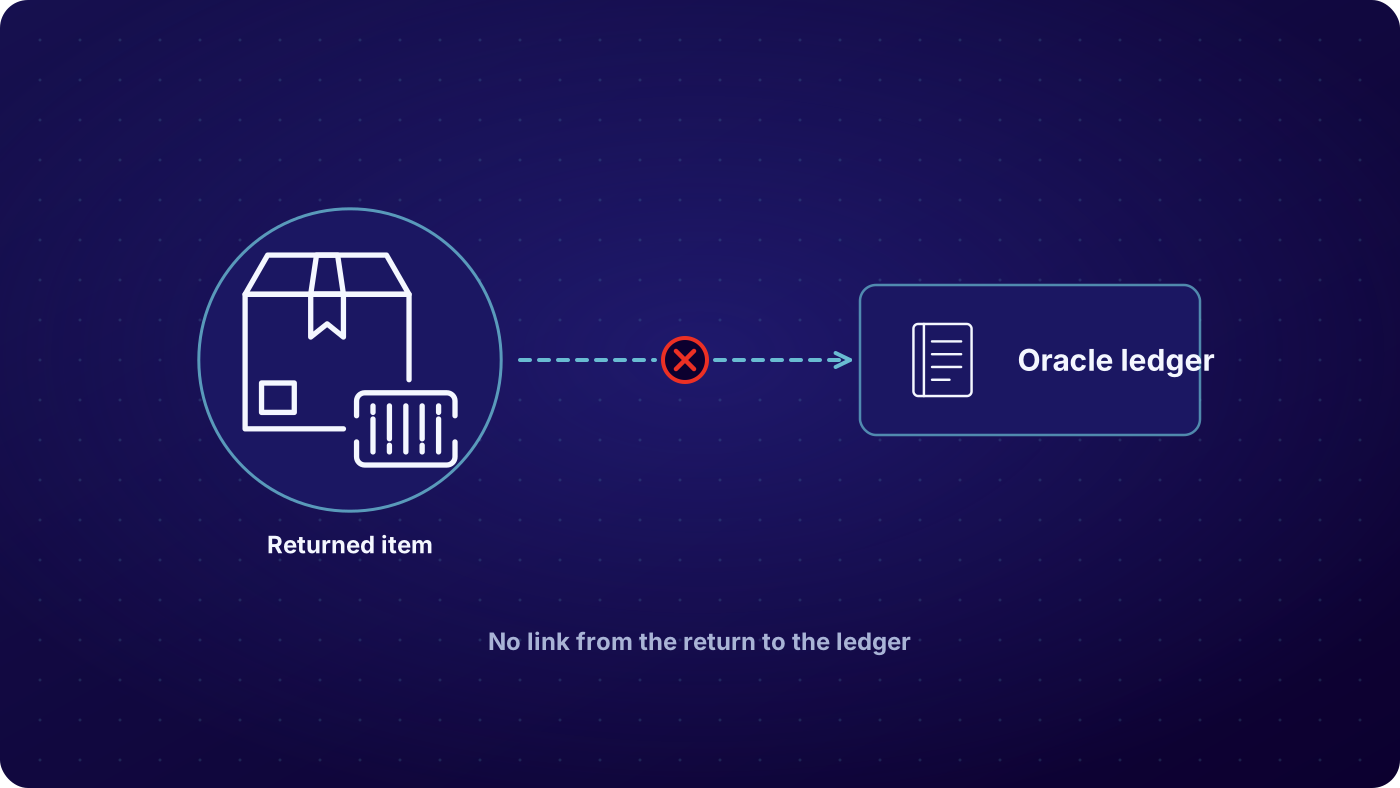

Return orders keyed by hand
Someone copies the customer, the original order and the items into an Oracle return order. It is slow, and one wrong line means a wrong credit later.

Credit memos that lag the physical return
The unit was received and graded days ago. The credit memo is still waiting for a person to create it. Customers chase, and finance closes the period with open items.

Stock counts that do not match the shelf
A returned unit sits on the dock, is not yet a receipt, and is not yet in a subinventory. Available stock is wrong, and so is the write-off when the unit is scrapped.

Duplicates and failures nobody sees
A message posts twice, or does not post at all. Without a log, the first clue is a customer asking where the credit is.
What Syncs in the Oracle Returns Management Integration, and When?

Return approved, return order created
When a return is approved in ReverseLogix, the integration creates the return authorisation in Oracle against the original sales order. The reason code, customer account and line quantities go with it. If the order cannot be found, the message fails visibly and the return waits for a fix.
See: returns initiation, RMA software
Unit received, receipt posted
When the unit is scanned at the dock, a receipt posts against the Oracle return line with quantity, serial and receiving location. Short and over receipts are recorded as they happened, not corrected silently.
See: returns processing
Inspection and disposition, inventory updated
The grade and the route (restock, repair, resale, return to vendor, scrap) update Oracle inventory. Stock lands in the right subinventory with the right status, so available quantity matches the shelf.
See: returns processing


Custody transfer, credit memo triggered
The refund trigger fires at custody transfer, the standard setting. The integration posts the credit or credit memo request to Oracle Receivables, referencing the original invoice. Your finance team keeps its approval rules where they are today.
See: finance team view
| Condition at inspection | Typical route | Recorded on the return |
|---|---|---|
| Return approved in ReverseLogix | Return order created against the original sales order | Order header and lines, original order reference, customer account, return reason code |
| Unit scanned at receiving | Receipt posted against the return line | Received quantity, serial number, receiving location, timestamp |
| Inspection grade set | Inventory status and subinventory updated | Grade, item, quantity, subinventory, status |
| Custody transfer confirmed | Credit memo request sent to Receivables | Credit amount, original invoice reference, reason code, tax lines as mapped |
| Disposition set to scrap, vendor return or resale | Inventory transaction for the chosen route | Transaction type, quantity, source and destination, route, timestamp |
Example mapping. Object and field names differ between Fusion Cloud ERP and E-Business Suite, and each project confirms its own in the mapping workshop.
Which Teams Touch the Oracle Returns Management Integration?
Five groups depend on the connection, and each sees a different part of it. The receiving team scans units and never opens Oracle. Customer service sees the credit status without a call to finance. Finance sees credit memos arrive with a reason and an invoice reference. IT owns the credentials, the sandbox and the release calendar. Operations sees stock move to the right place. All of them read the same record.
Who sees what
- IT: credentials, mapping, sandbox, message log, release schedule
- Finance: credit memos with reason codes and invoice references
- Operations: receipts, inventory status and disposition by unit
- Customer service: return and credit status without asking anyone
How Do You See Errors, Retries and Duplicates?
Every message between ReverseLogix and Oracle is logged with its status, its payload reference and its result. A failed message is visible with the reason, and a retry is a recorded action, not a silent one. Duplicate protection checks the return against what Oracle already holds before it posts, so one return produces one order and one credit. Reconciliation compares what ReverseLogix sent with what Oracle accepted, by return.
- Messages that failed, with the Oracle error text
- Messages retried, by whom and when
- Returns with no matching Oracle order
- Possible duplicate return orders or credit memos caught before posting
- Returns received in ReverseLogix with no receipt or credit in Oracle
See: analytics
Oracle Stays the System of Record

ReverseLogix does not replace Oracle Fusion Cloud ERP or E-Business Suite. Orders, receivables, inventory and the general ledger stay in Oracle. ReverseLogix holds the return record and posts to Oracle through API. The same approach works next to SAP, NetSuite and Microsoft Dynamics 365, and with warehouse systems such as Blue Yonder, Manhattan, Korber and SAP EWM.
Credentials, Sandbox, UAT and Release Management
The project starts with access. Your Oracle team provides an integration user with only the roles the connection needs, and ReverseLogix stores the credentials securely. Work then runs in your Oracle test environment: field mapping, a sandbox build, system testing, then user acceptance testing with real return scenarios, including a short receipt, a partial credit and a duplicate. Certifications are shared during evaluation.
Go-live is planned around your calendar. Code freezes, quarter close and peak season are set before dates are. Oracle quarterly updates can change objects and endpoints, so the plan includes a regression check against each update and a named contact on both sides for releases. A standard initiation go-live is 4 to 6 weeks. Complex Oracle scope, or repair flows, take longer.
See: implementation, security
Your next questions, answered






Oracle returns management integration: questions and answers
Yes. ReverseLogix integrates with Oracle Fusion Cloud ERP and Oracle E-Business Suite through API. It creates return authorisations, posts receipts, triggers credit memos and updates inventory. The exact objects and fields are agreed in a mapping workshop, because every Oracle setup differs in its order types, subinventories and receivables rules.
Four events sync. An approved return creates a return order in Oracle. A scanned unit posts a receipt. The inspection grade and disposition update inventory. Custody transfer triggers the credit memo request to Receivables. Each message carries the reference back to the original order and invoice, so your team can trace it.
Yes, it sends the credit memo request to Oracle Receivables at custody transfer, which is the standard refund trigger. The request carries the amount, reason and original invoice reference. Your finance rules and approvals in Oracle still apply, so you decide whether credits post straight through or wait for review.
It is API-first, so a direct connection to Oracle is the standard approach. Some companies route through their own integration layer for governance, and that works too. Your IT team decides which path fits its security and monitoring rules, and the plan is written before any build starts.
A standard initiation go-live is 4 to 6 weeks. An Oracle connection adds mapping, sandbox build and user acceptance testing, so the schedule depends on your test environment access and your team’s availability. Repair and technician flows extend it. You get a dated plan after the mapping workshop, not before.
Failed messages are logged with the Oracle error text and stay visible until fixed. Retries are recorded actions. Before posting, the integration checks the return against what Oracle already holds, so one return produces one order and one credit. Your IT team can read the log without asking anyone.
It can, if the test environment is set up to match. Differences in items, customers, subinventories or configuration are the usual cause of surprises. ReverseLogix asks for a representative test environment and runs user acceptance testing with real return scenarios, so differences show up before go-live, not after.
Yes, if the dates are set with the freeze in mind. The go-live plan starts from your calendar: code freezes, quarter close and peak. If a freeze blocks the release, the plan moves the date rather than the testing. Oracle quarterly updates are also added to the calendar.
Further reading: Oracle ERP.
See What Your Oracle Team Would Need to Connect
A specialist walks through your Oracle version, your return order types and your credit process, and lists the mapped fields before any build starts.


